Delta In-Flight Wi-Fi: How to Connect, Cost & International

About Delta Airlines
 | ||
Airline name Delta Air Lines | Airline code DL | Airline type Full service carrier (FSC) |
Airline alliance  SkyTeam SkyTeam | ||
Popular Countries Delta Air Lines Flies to: China, Canada and United States | ||
Popular Delta Air Lines Arrival Cities | ||
Popular Delta Air Lines Departure Cities |
Based on Trip.com Historical Data
Delta In-Flight Wi-Fi (What is it?)
Delta's onboard internet is branded Delta Sync Wi-Fi, a gate to gate connection plus a personalized portal with partner offers (Paramount+, YouTube Premium, Resy, Uber, T-Mobile and more). Most connections run on Viasat satellite service; some air craft still use Intelsat during the transition. Coverage and performance of the Wi-Fi can vary by tail and route. Sign in with your SkyMiles account to unclock access on equipped aircraft. Registering for a SkyMiles account is free! Learn more on your frequent flyer number below.
Joining SkyMiles Onboard
- Airplane Mode on and Wi-Fi on.
- Select DeltaWifi.com. If the portal doesn't pop, type deltawifi.com in your browser.
- Tap Sign in with SkyMiles (or Join for free on the porta, then sign in). If your flight still shows paid service, you can purchase a Flight Pass there.
How Much Does Delta In-Flight Wi-Fi Cost?
If you don't want to join SkyMiles, you can still buy internet on elgible flights at the protal. The consumer coverage typically quotes about $5 per flight, but the live price shown onboard is the on that applies. (Joinging SkyMiles is free and can be done in-flight).
Refunds & Support
Delta offers a full refund path for paid passes. Check your email receipt:
- If the sender is Wi-Fi Onboard, use that vendor's Customer Care page.
- If the sender is Delta Air Lines, message Delta (in-flight or after) to reach a specialist.

How to Connect to Delta In-Flight Wi-Fi (Step by Step)?
- Turn on AIrplane Mode, then enable Wi-Fi.
- Join the aircraft network; your browser should open the Delta Wi-Fi portal automatically.
- Tap Sign in with SkyMiles for free access (or select Purchase if you prefer to pay without joining).
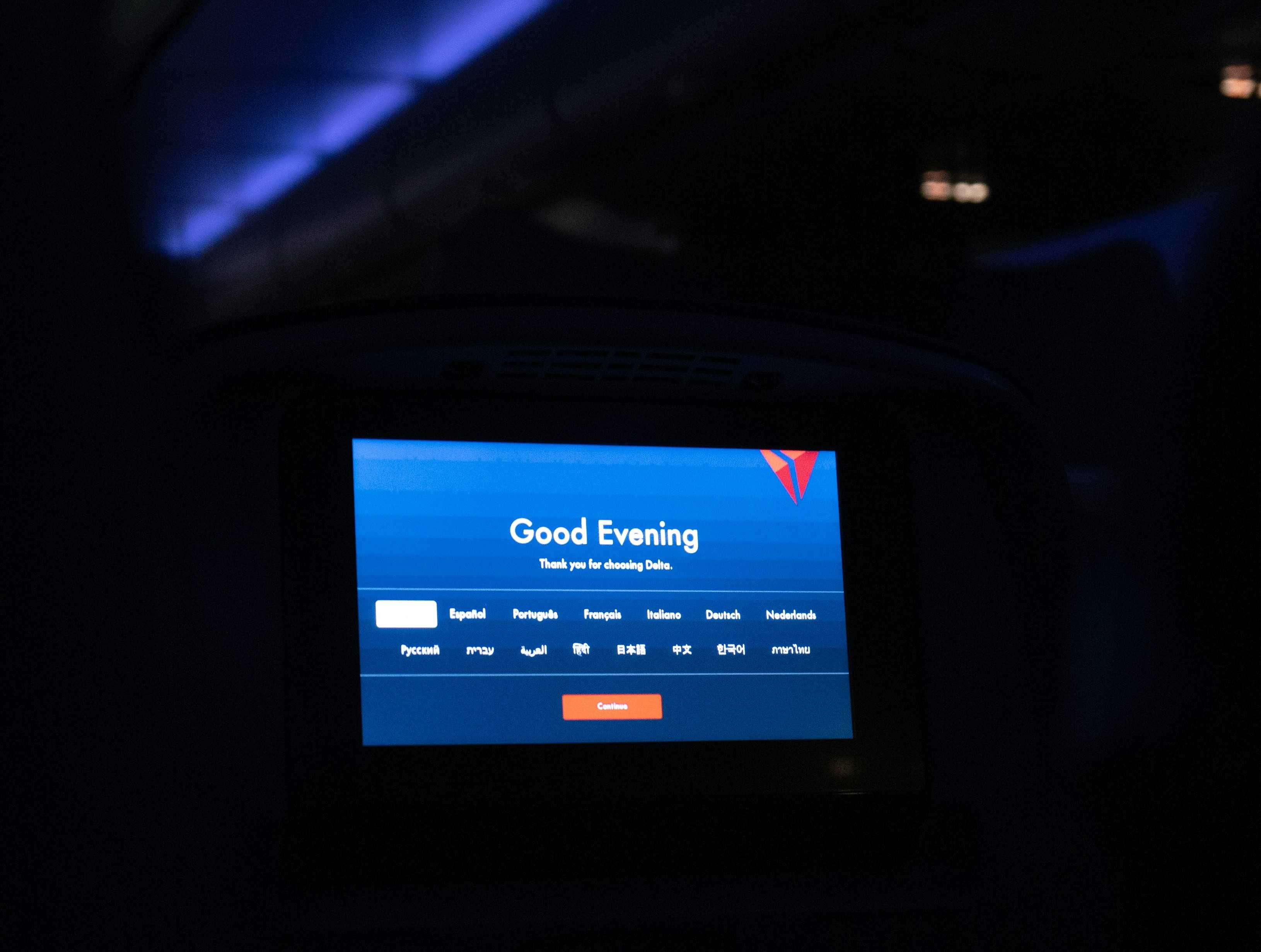
- You'll land in the Delta Sync portal — browse, message, and stream (e.g., a 24-hour Paramount+ session for members on eligible flights).
to Boston
to Miami
to New York
to Los Angeles
See all flights


Delta In-Flight Wi-Fi: Coverge & Which Aircraft Have it
- Delta offers fast, streaming-quality Wi-Fi completely free for SkyMiles members (free to join). Just log in on your personal device once onboard.
Coverage at a Glance
- Domestic Mainline: 100% Covered. Free Wi-Fi is standard on all standard domestic routes.
- International Long-Haul: Active on nearly all Transatlantic, Latin America, and African flights. Trans-Pacific routes (Asia/Australia) are actively coming online as final regional satellite activations wrap up.
- Regional Jets (Delta Connection): More than half of the regional fleet is already upgraded, with the remaining regional jets being outfitted monthly.
- Boeing 717s: Currently undergoing a total hardware replacement to a next-gen multi-orbit satellite system. Expect a temporary Wi-Fi blackout on these specific aircraft while the old system is turned off to install the new gear.
Fleet Checklist
- 🟢 100% Free Wi-Fi Equipped:
- Airbus: A220, A319, A320, A321 (ceo & neo), A330 (all variants)
- Boeing: 737 (-800 & -900), 757 (-200 & -300), 767 (-300 & -400)
Car Rentals
Car Rental Promo Code - 8% Off
New User Enjoy up to 8% Off
TRIPCAR8
Delta In-Flight Wi-Fi: What You Can Do Online?
Delta markets streaming, browsing and messaging as supported use cases on equipped flights. The actual speed of the Wi-Fi depends on the aircraft itself; very heavy uploads or VPN tunnels may feel slower than at home.
Messaging, Calling, Streaming & VPNs
- Messaging: iMessage, WhatsApp, Facebook Messenger work after connecting. On older "Wi-Fi Onboard" aircraft, messaging is free even when full Wi-Fi is paid. SMS works with Wi-Fi calling enabled, but MMS between iOS/Android has caveats (iOS 18 + RCS)
- Streaming: Yes on aircraft with Delta Sync Wi-Fi; performance still depends on network load.
- Voice/Video calls: Not permitted in flight.
- VPN: Supported, but log in or purchase first. Once you switch on VPN, you might lose access to the Delta Sync log-in page.
Search Top 10 U.S. Hotels
See All Hotels
 NO.1
NO.1






Delta In-Flight Wi-Fi: Slow or Not Connecting
- If the captive portal doesn't load, toggle Wi-Fi off/on, open a new browser tab, or temporarily disable your VPN.
- If the performance dropped, pause big app/OS updates and streaming to multiple devices.
- Power varies by aircraft, carry a small portable charger so your phone lasts the whole night.
How many devices can I use?
Delta explicitly says you can connect an unlimited number of devices to free Wi-Fi. If you buy a paid Flight Pass on a non-converted aircraft, that pass is not transferrable between devices.
See all attractions





FAQs about Delta In-Flight Wi-Fi
-
Can I use multiple devices for Delta in-flight Wi-Fi services?
-
Is messaging free on Delta if my plane still has paid Wi-Fi?
-
Can you video/vioce call using Delta in-flight wifi?
-
Does Delta in flight wifi support VPN?
Disclaimer: This article has been provided by an individual contributor or third party platform. If there is any discrepancy regarding the copyright, please contact us directly and we will delete the content immediately.
Trending Searches
-
Air travel guide
-
Latest flight deals
-
Getting around
-
eSIM/SIM card