How to Add TSA PreCheck to American Airlines (Online, App & Airport)

Adding TSA PreCheck to your American Airlines booking lets you use faster security lanes and avoid removing shoes, laptops, and liquids. If you forgot to add it when booking, don’t worry — you can still fix it online, in the app, or even at the airport in some cases.
Check out this guide with every method step by step. You'll also get to know what to do if TSA PreCheck isn't showing on your boarding pass. Read on!
Flight info.
Departure
Arrival
Weekly Schedule
-

AA2894
American Airlines
6:00 AM
MCO
7:12 AM
MIA
S M T W T F SSearch -
AA1956
American Airlines
9:25 AM
LAS
10:43 AM
PHX
S M T W T F SSearch

Requirements before Adding TSA PreCheck to American Airlines?
Make sure you have the following items ready before you start adding TSA PreCheck to your American Airlines!
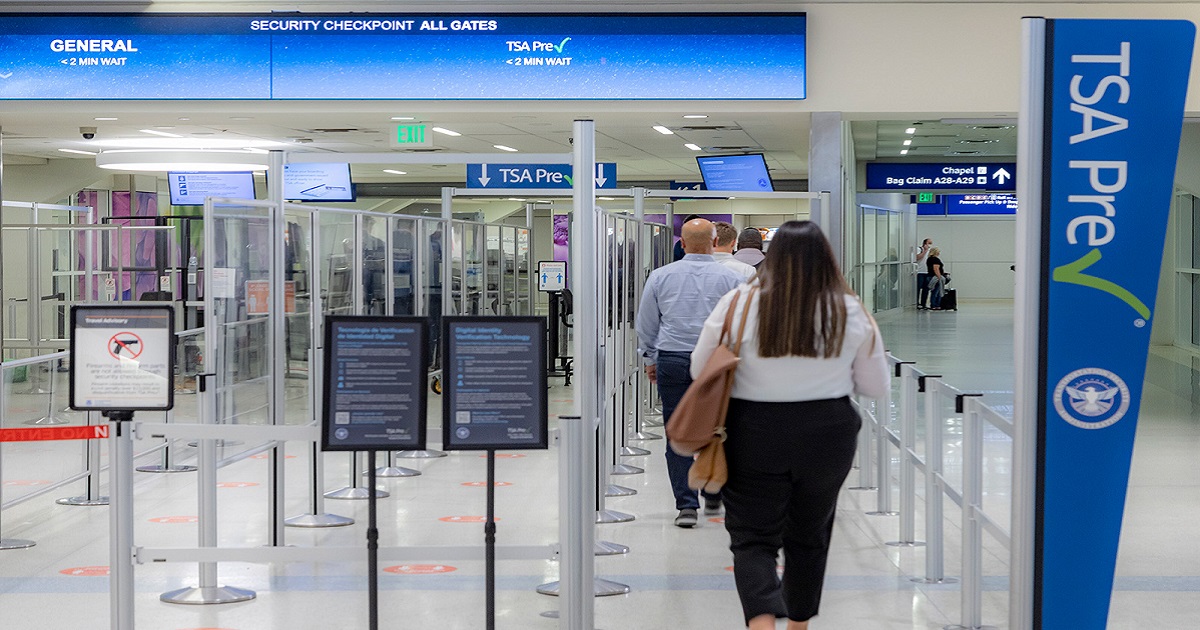
American Airlines mobile ID now at PreCheck at DFW
Known Traveler Number (KTN)
This is a 9-digit number issued after TSA PreCheck or Global Entry Approval.
- Go to the official TSA PreCheck website, click "Apply Now", and fill out the online application.
- Or go to U.S. Customs and Border Protection (CBP) and apply for global entry. After approval, you receive a PASSID, which also serves as your KTN.
An Eligible American Airlines Flight
TSA PreCheck generally applies to U.S. departing flights.
Note: Your full name must match your TSA enrollment.
See all flights
How to Add TSA PreCheck to American Airlines Online (After Booking)?
Read the following steps. This is the easiest and most reliable method.
- Step 1: Go to American Airlines' official website and open "Manage Trips / Check-In".
- Step 2: Enter your record locator (confirmation code) and last name to access your booking.
- Step 3: Look for “Passenger Information” or “Secure Traveler / Known Traveler Number” section.
- Step 4: Enter your KTN (Known Traveler Number).
- Step 5: Set Country ID to United States.
- Step 6: Save your changes. Saving is essential. It officially applies your KTN to your flight, otherwise TSA PreCheck won’t appear on your boarding pass!
✅ Pro Tip: Country ID is very important; leaving it blank or selecting a different country can prevent TSA PreCheck from appearing.
After saving, re-open your boarding pass or re-check in. The TSA PreCheck logo will appear within minutes!
How to Add TSA PreCheck in the American Airlines App?
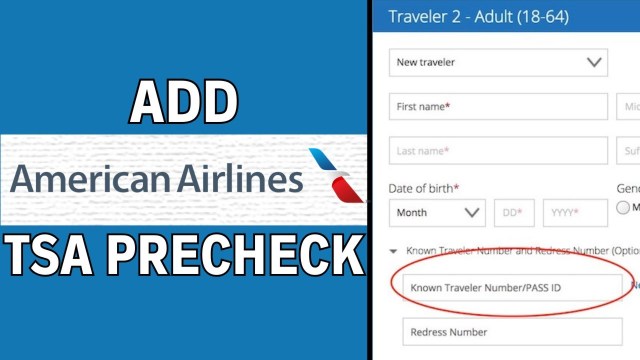
How to add TSA PreCheck to your American Airlines in the APP? | Source from Youtube
If you don't have a laptop handy, traveling, or already at the airport, consider this way:
- Step 1: Open the AA app on your phone.
- Step 2: Tap "Trips" and pick the flight you want to update.
- Step 3: Go to "Passenger Details".
- Step 4: Enter your KTN and set Country = United States.
- Step 5: Save your changes and refresh the trip.
💡 Tip: Sometimes the app doesn’t update the boarding pass right away. If that happens, log in on a desktop browser to make sure your KTN is applied.
How to Add TSA PreCheck at the Airport (Last Minute)
If you booked your flight and didn’t enter your KTN online or in the app, the airport counter is your last chance. Sometimes the system fails to save your Known Traveler Number. Airport agents can manually attach it!
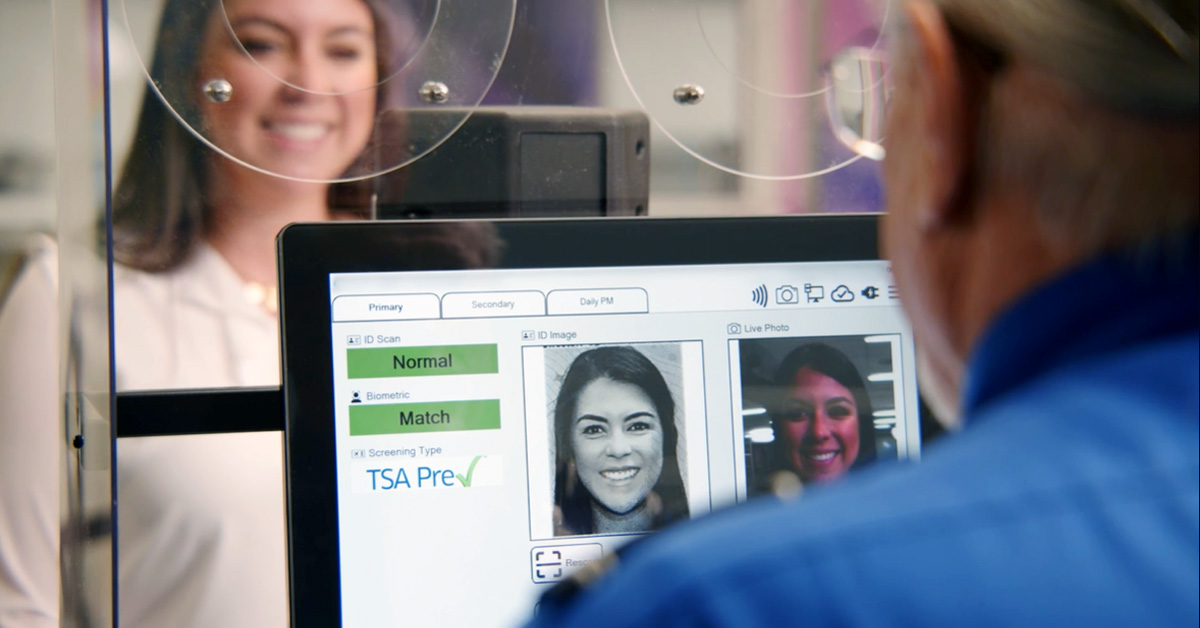
American Airlines Launches Mobile ID With TSA PreCheck®
Where to Try?
- American Airlines check-in counter (best option)
- Self-service kiosks (works at some airports)
When to Add TSA PreCheck at the Airport?
- If you forget to enter your KTN online, the airport counter is your last chance.
- If you're adding KTNs for a family or group, the airline agents may help you handle at check-in.
- If your name does not match, the agents can fix it on the spot.
What If TSA PreCheck Not Showing on Your American Airlines Boarding Pass?
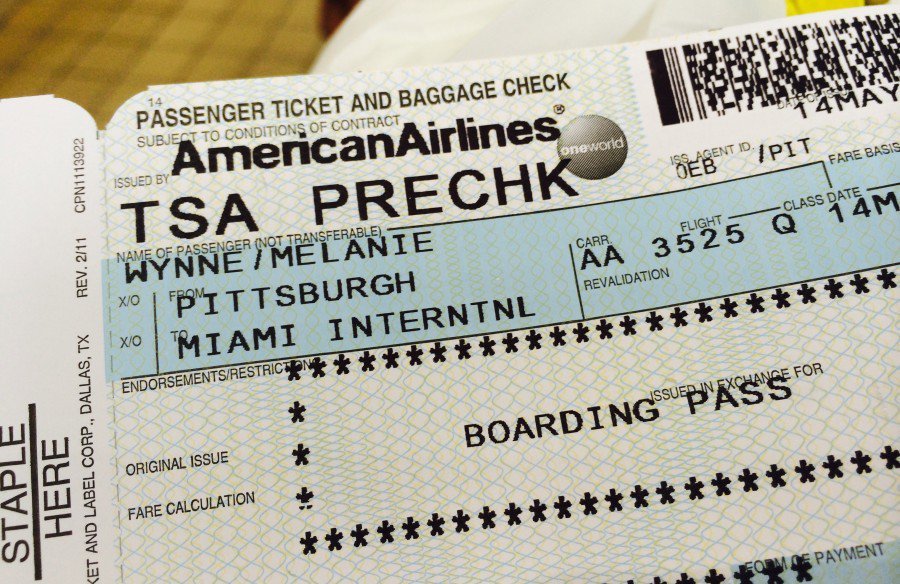
What to do if a boarding pass isn't marked TSA PreCheck?
This is very common. Here are the most frequent reasons:
Name mismatch
Your AA reservation must match your TSA enrollment exactly.
KTN added too late
Adding it after check-in sometimes requires re-issuing the boarding pass.
Random TSA exclusion
TSA occasionally removes PreCheck access for security reasons.
Partner or codeshare flights
Some partner airlines don’t support TSA PreCheck even on AA tickets.
If none of these apply, ask an agent to reissue your boarding pass after confirming your KTN!
Get Well Connected!
See all attractions
 457183 booked


Does TSA PreCheck Work on All American Airlines Flights?
TSA PreCheck works on most American Airlines flights departing from U.S. airports. It also works on many international flights leaving the U.S. but not on flights arriving at foreign airports.
Some codeshare or partner flights may not offer PreCheck, and it’s available on Basic Economy if your KTN is added before check-in.
- Domestic U.S. flights: Yes, when eligible!
- International departures from the U.S.: Usually yes!
- International arrivals: TSA PreCheck does not apply...
- Basic Economy: Eligible if KTN is correctly added!
- Children: Kids 17 and under can use PreCheck with an eligible adult.
Quick Checklist to Make Sure TSA PreCheck Works Every Time
Do the last check before you add TSA PreCheck to your American Airlines flights!
- KTN saved in your AAdvantage profile
- Country ID set to United States
- Name matches your government ID exactly
- Boarding pass refreshed or reissued
- Airport supports TSA PreCheck lanes
TSA PreCheck vs CLEAR vs Global Entry on American Airlines
Program | Purpose | Coverage | Cost | Extra |
|---|---|---|---|---|
TSA PreCheck | Expedited security | U.S. domestic flights | $78 / 5 yrs | Faster security lanes |
CLEAR | Fast ID verification | Participating U.S. airports | $189 / yr | Skip ID checks, works with TSA PreCheck |
Global Entry | Expedited customs + TSA PreCheck | International arrivals + TSA PreCheck | $100 / 5 yrs | Faster customs + TSA PreCheck |
💡 Always confirm the exact price for your region at the point of checkout.
 | ||
Airline name American Airlines | Airline code AA | Airline type Full service carrier (FSC) |
Airline alliance  Oneworld Oneworld | ||
Popular Countries American Airlines Flies to: China, United States and Mexico | ||
Popular American Airlines Arrival Cities | ||
Popular American Airlines Departure Cities |
Based on Trip.com Historical Data
10% OFF Hotels on Trip.com
Top Global Hotels
Bangkok Hotels
Shanghai Hotels
Seoul Hotels
See All Hotels










FAQs about American Airlines TSA PreCheck
-
What is TSA PreCheck?
-
How do I add TSA PreCheck to my American Airlines flight?
-
What if TSA PreCheck doesn’t show on my boarding pass?
-
Can TSA PreCheck be used on international flights?
-
Who is eligible for TSA PreCheck?
Disclaimer: This article has been provided by an individual contributor or third party platform. If there is any discrepancy regarding the copyright, please contact us directly and we will delete the content immediately.
Trending Searches
-
Air travel guide
-
Latest flight deals
-
Getting around
-
eSIM/SIM card