Trip.com Manage Booking: Change, Cancel & Refund


Once a booking is confirmed, everything you need moves into one place: My Trips. That is where you pull up the itinerary, change dates, cancel, add extras, and see what a change would cost before you confirm it. This guide covers where to find a booking, how changing works for flights and hotels, what it costs in the US, and what to do when the change option simply is not there.
to Vegas
to Chicago
to Orlando
to Miami
to Tokyo
See all flights


What Trip.com Manage Booking Covers
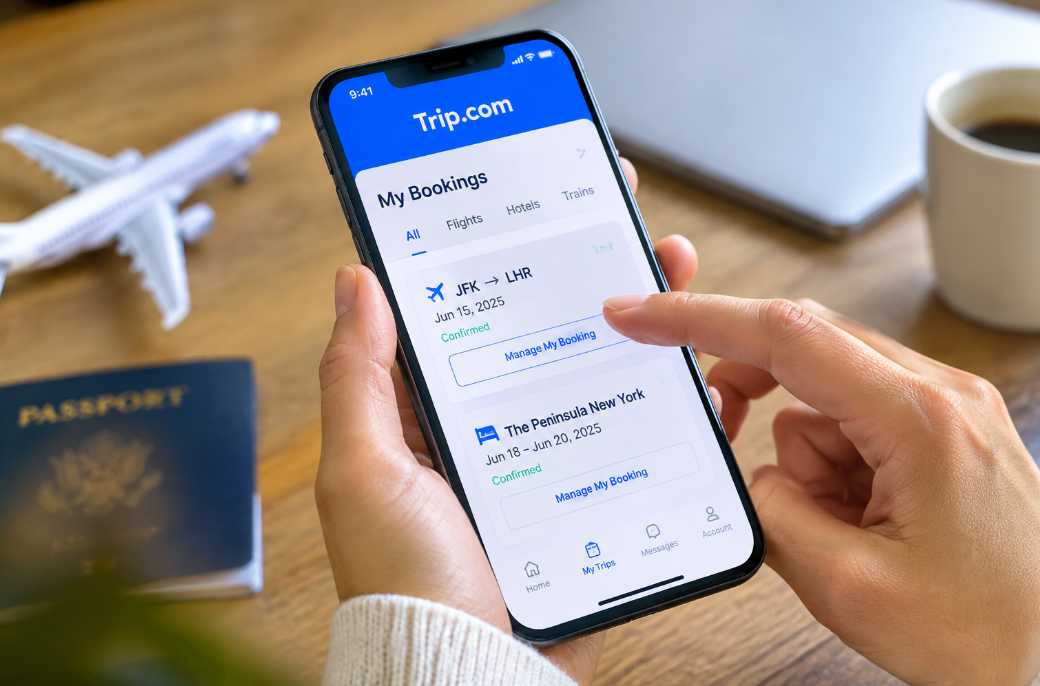
Manage Booking is Trip.com's self-service tool for handling confirmed reservations. It allows you to:
- View your itinerary and the original fare rules.
- Request a flight or date change and review any fare difference before paying.
- Cancel a booking, either within the free-cancellation period or subject to the penalty specified in the fare rules.
- Track your refund status after canceling a booking.
- Contact customer support with your booking details already linked to the conversation.
However, Manage Booking cannot override the supplier's policies. Trip.com submits your request, but the airline, hotel, or rail operator makes the final decision based on its own rules and conditions.
Trip.com Manage Booking: Where to Find Your Reservation
You can access your bookings through either the app or the website:
- App: Sign in and tap My Trips in the bottom navigation bar. Your bookings are organized by travel date.
- Web: Sign in to your account and select My Bookings from the account menu.
If your booking doesn't appear, you may have made the reservation using a different account or checked out as a guest. Check your confirmation email for the booking number and use those details to retrieve your reservation instead of creating another account.
- Open My Trips and select the flight you want to change.
- Tap Manage My Booking.
- Before proceeding, select Cancellation & Change Policies to check the applicable fees and confirm whether your fare allows changes. Reviewing these conditions first can help you avoid unexpected costs.
- Tap Change Booking, select the passengers you want to modify, confirm your original flight, and choose your preferred new travel dates.
- Select a replacement flight. It must be operated by the same airline or a partner carrier. Switching to an unrelated airline is generally not permitted as a free change.
- Review the fare difference and any refund due for your original ticket, then confirm the changes and complete the payment.
- Check your email for two possible updates: a new booking confirmation and a separate refund notification if you're eligible for a refund.
Trip.com Manage Booking: What a Flight Change Costs
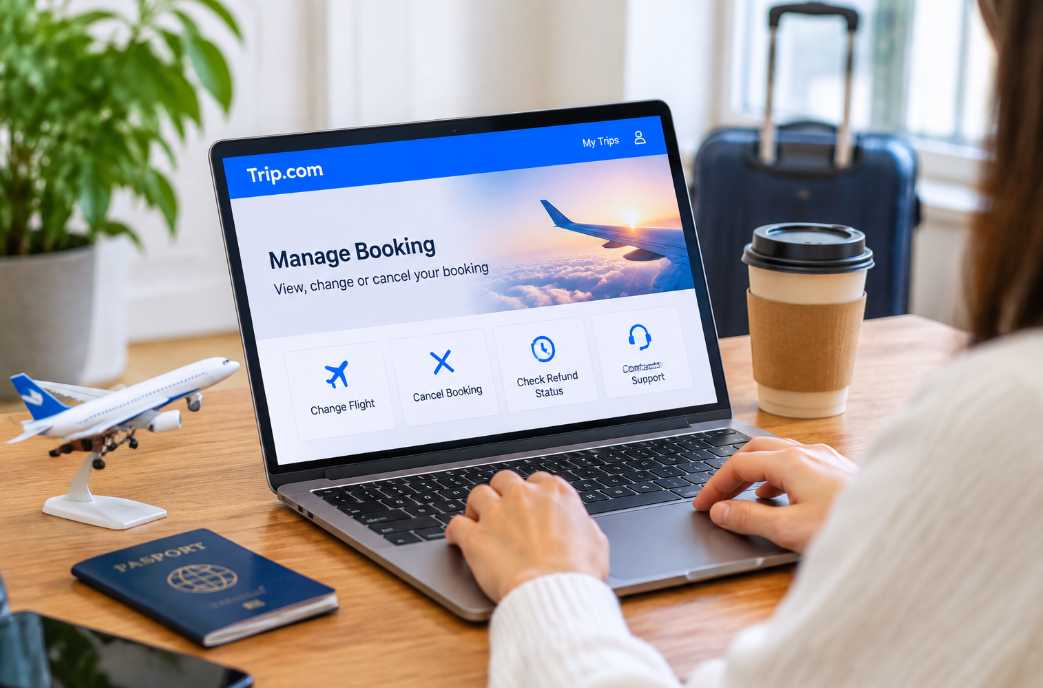
For many US domestic Main Cabin fares, airlines charge US$0 in change fees. This means you'll generally only need to pay the fare difference, calculated as the price of your new ticket minus the value of your original ticket.
However, Basic Economy fares and ultra-low-cost carriers may still charge a separate change fee per passenger.
Trip.com may also charge a service fee of approximately US$5–20 if your change requires manual processing. Any applicable service fee will be displayed before you submit your request. For a more detailed breakdown, see our guide to the Trip.com change fee.
Trip.com Manage Booking for Hotels: Cancel, Then Rebook
Unlike flights, hotel reservations generally don't support direct date changes through Manage Booking. In most cases, you'll need to cancel your existing reservation and make a new one. Here's how:
- Open My Trips → All Bookings and select your hotel reservation.
- Tap Cancel Booking, review the cancellation policy displayed on the screen, select a reason, and submit your request.
- Track your refund through Refund Status.
- Book the hotel again using your new travel dates and the current available rate.
Whether cancellation is free depends on your room's cancellation policy. Free-cancellation rates allow you to cancel without a penalty, provided you do so before the specified deadline, typically 24 to 48 hours before check-in.
Non-refundable and prepaid rates generally don't allow cancellations or modifications. Always check the rate conditions before booking if your travel dates may change. For more information, see our hotel refund guide.
Search Top 10 U.S. Hotels
See All Hotels
 NO.1







When Manage Booking Can't Help
Some booking changes fall outside what the self-service tool can handle:
- After departure or check-in: Once you've completed a flight or started your hotel stay, you can no longer modify the original booking.
- Non-refundable or non-changeable fares: If your fare doesn't permit changes or cancellations, the policy displayed in Manage Booking will explain the restrictions. Customer support generally cannot override these conditions.
- Name changes: Airline tickets are generally non-transferable. Minor spelling corrections may be possible, depending on the airline's approval, but transferring a ticket to another person is usually not allowed. Always enter passenger names correctly when booking.
- Supplier-side schedule changes: If an airline changes your departure time by two hours or more, contact support to ask whether you're eligible for a free flight change or refund before accepting the revised schedule.
Trip.com Manage Booking Refunds: What Happens Next
Once your change or cancellation has been successfully processed, eligible refunds are returned to your original payment method.
Hotel refunds are typically processed within one business day, although it may take another 3 to 15 working days for the money to appear in your account, depending on your payment method. Credit card refunds, for example, often take 7 to 14 days.
Keep in mind that the time required for your bank or payment provider to release the funds is separate from Trip.com's refund processing time. You can monitor the progress of your refund through refund status.
Car Rentals
Car Rental Promo Code - 8% Off
New User Enjoy up to 8% Off
TRIPCAR8
Trip.com Manage Booking Not Working? What to Do
If the change option isn't available, fees aren't loading, or your request keeps failing, try the following steps:
- Check the booking deadline: Make sure your reservation is still within the permitted change window. You can find the applicable deadline in the cancellation and change policy.
- Try the app: If you're using the website, switch to the Trip.com app. Some booking management options may only be available through the app.
- Contact customer support: If the problem persists, reach out to Trip.com with your booking number and a screenshot of the error message.
Trip.com customer support is available 24/7. In the app, go to Account → Customer Support → Chat With Us or select Call Us to speak with a representative. You can also check our customer service guide or visit the Trip.com Help Center for additional assistance.
Ready to book a trip with more flexibility? Explore available options on Trip.com flights or find accommodation with free-cancellation options on Trip.com hotels. You can review the applicable change and cancellation policies before completing your booking.
See all attractions




FAQs about Trip.com Manage Booking
-
Where do I find my Trip.com booking?
-
Can I change the date on a non-refundable Trip.com booking?
-
Does Trip.com charge a fee to change a booking?
-
Can I change a booking after check-in or after departure?
-
How long does a Trip.com refund take after I cancel?
Disclaimer: This article has been provided by an individual contributor or third party platform. If there is any discrepancy regarding the copyright, please contact us directly and we will delete the content immediately.

Trending Searches
-
Air travel guide
-
Latest flight deals
-
Getting around
-
eSIM/SIM card