China SIM Card: Choosing a Plan with Data and Call Credit


How will you stay online in China? Finding a traditional SIM card after a long flight is a hassle you don’t want to deal with. Follow us to arrange your China SIM card before you leave.
to Shanghai
to Beijing
to Guangzhou
See all flights


Popular China SIM Card Plans
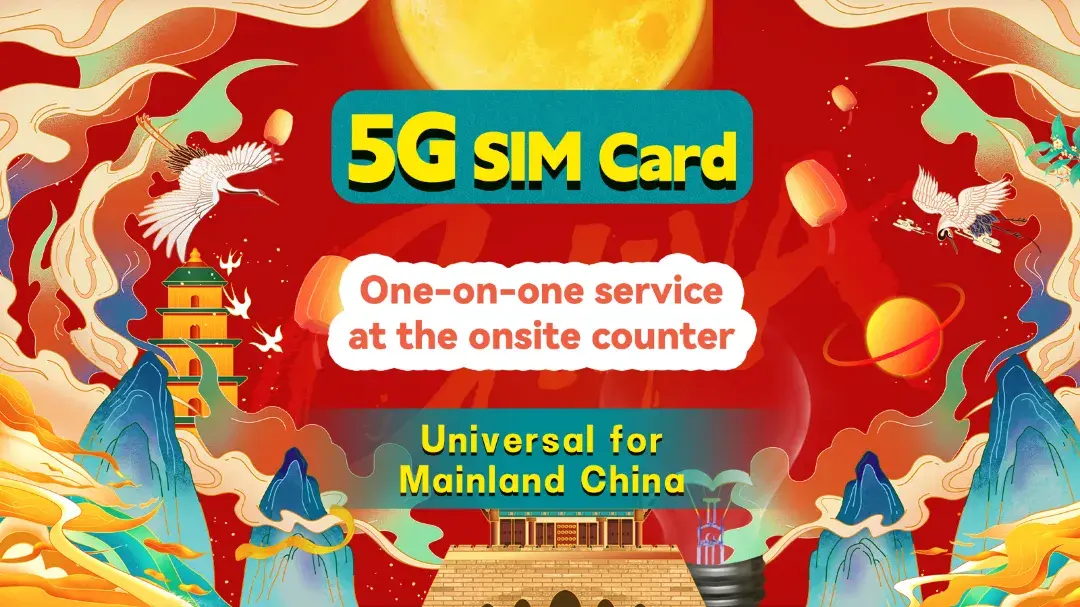
5G China SIM Card
- CoverageMainland China
- Data30GB
- Calls500 mins
- Pricefrom US$33.33

HK & Macau Plan
- CoverageHK & Macau
- Data365 days 5GB HK-Macau pass
- DaysLong-term SIM card
- Pricefrom US$5.32
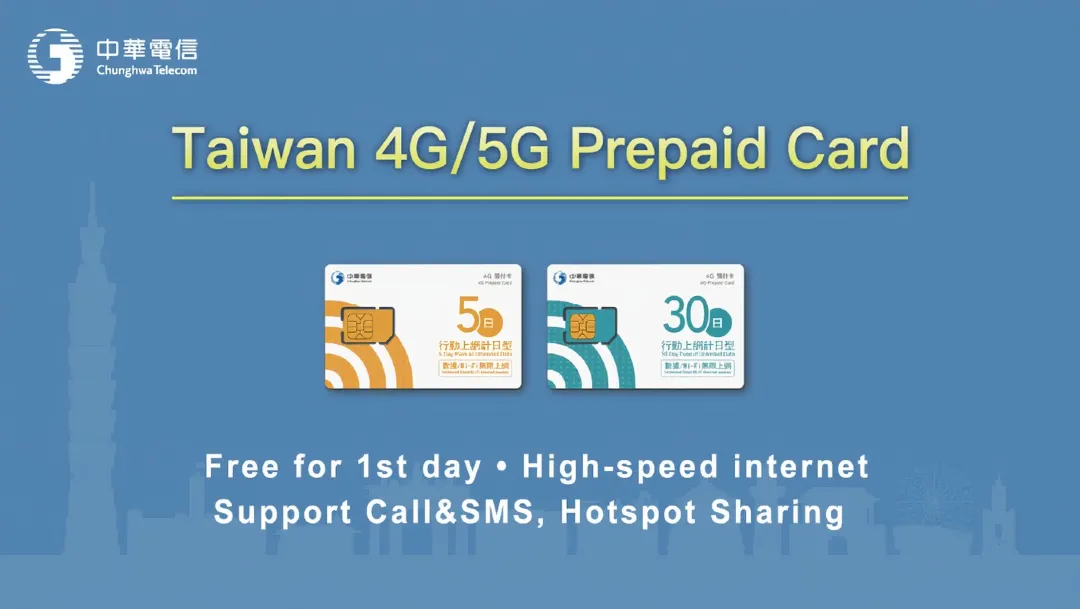
Taiwan 5G/4G SIM
- CoverageTaiwan
- DataUnlimited data
- Validity3-30 days
- Pricefrom US$8.85
Why You Need a Local China SIM Card?
A smooth internet connection is very important when in another country. A local number is also your key to a smooth travel experience in China. It’s not just about using maps. Here’s why it’s essential:
- Access China Apps: Your Chinese phone number is needed to register for Alipay and WeChat Pay, the dominant mobile payment systems in China.
- Good Connectivity: Wi-fi may be weak and insecure sometimes. A data connection ensures you can go on the internet and share your experience anywhere.
- Cost-Effective: US carrier roaming plans are often expensive. A local China SIM card provides far more data at a reasonable price!
Note: many Western websites and apps (e.g., Google, Facebook, WhatsApp, Instagram, etc.) are restricted in mainland China. To access successfully, you must install a reliable VPN on your phone before you leave the US.
The Smart Choice: Booking Your China SIM Card with Trip.com
You could buy a SIM after you land. The process involves:
- Finding the right airport counter.
- Navigating language differences.
- Reading plan details while jet-lagged.
- Handing over your passport for mandatory registration.
It works, but it’s a stressful start to a vacation.
A smarter approach is to book a China SIM Card online with Trip.com. We offer:
- Pre-Booking in English: Understand your plan options clearly.
- Airport Pickup: Have the SIM mailed to your US address or pick it up effortlessly upon arrival.
See all attractions
 194 booked
![[5G SIM Card] China 5G Universal SIM Card Total 10GB/15GB/30GB/45GB High-speed 5G Unlimited Data (Pick up at Shanghai Pudong Airport)](https://ak-d.tripcdn.com/images/0352g12000fctosaw654A_C_568_320.jpg)
![[Hong Kong-Macau Shared Plan] 5GB/12GB | SmarTone | Voice Calling | Pick up at Hong Kong Airport, SmarTone Retail Stores in Hong Kong, and Macao City](https://ak-d.tripcdn.com/images//0583g12000n1bajqx4415_C_568_320.jpg)
![[Taiwan] Chunghwa Telecom 4G SIM SIM card| 3-30 days including call charges, Taiwan airport self-pickup Internet card](https://ak-d.tripcdn.com/images//0581l12000myzvp5y34C2_C_568_320.jpg)
Trip.com China SIM Card & eSIM Options
Key Benefits of a Physical SIM Card
- Provides a local number for app registration (Alipay, Didi, etc.).
- Allows for local calls to hotels or restaurants.
- Offers high-speed (5G) coverage across China!
Key Benefits of an eSIM Card
- No waiting for pickup!
- Scan the QR code to install before you go.
- Doesn’t take up a physical SIM slot.
Note: eSIMs are data-only options; you’d ensure your phone is eSIM-compatible in advance.
See all attractions



How to Buy a China SIM Card on Trip.com?
Step 1: Select Your Plan on Trip.com/Trip App
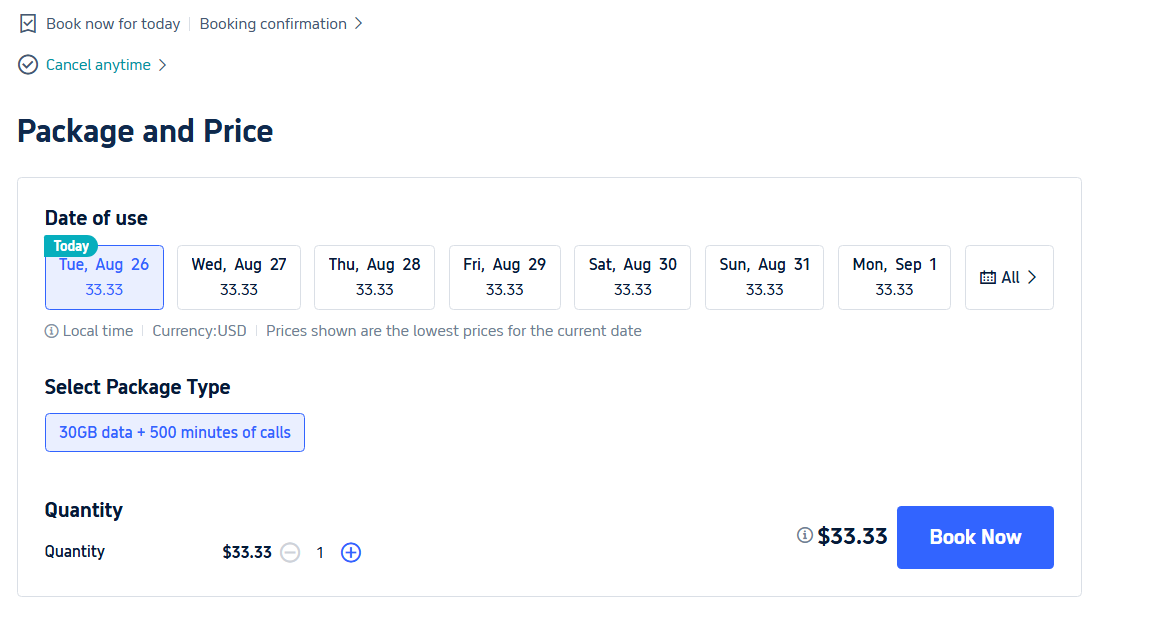
- Browse our SIM card options.
- Choose between a physical SIM or an eSIM.
- Select the data plan that matches your itinerary.
Step 2: Complete Your Purchase
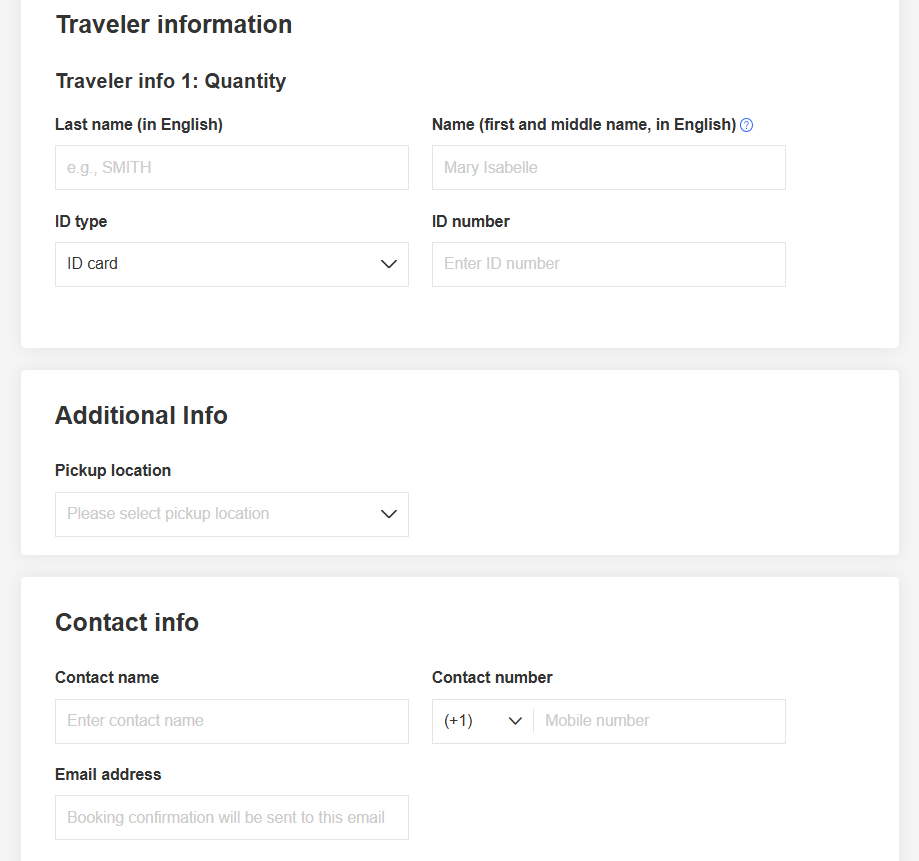
- Fill in your traveler info, including name, ID type/number, etc.
- Select pickup location (usually fixed)
- Enter your contact info (name/email address)
Step 3: Get Connected
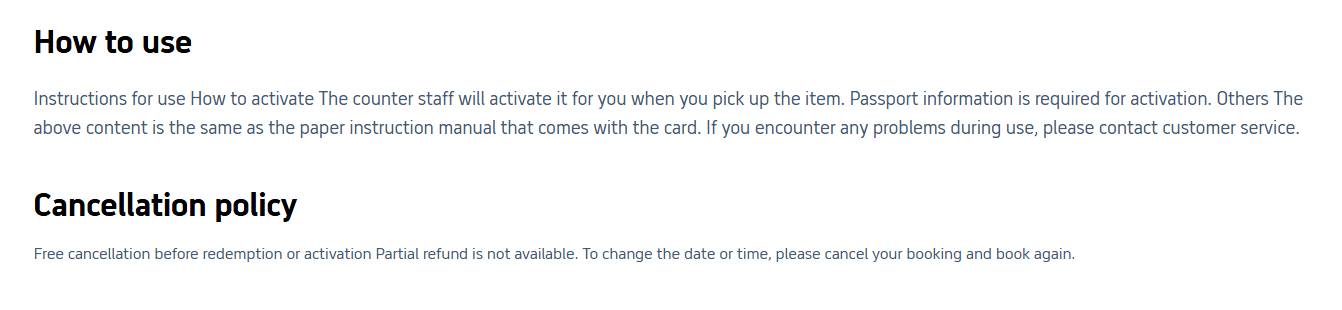
- Physical SIM: Show your booking info at the airport pickup counter.
- eSIM: Scan your QR code to install and activate.
Pre-Departure Checklist: Get Your Phone Ready
- Verify Phone Unlock Status: Contact your US carrier to confirm your phone is unlocked for use with other SIM cards. This is mandatory.
- Install a VPN: Download and test your chosen VPN application before you leave the US. You cannot download it after you arrive.
- Have Your Passport Ready: Keep your passport accessible; it is required for all SIM registrations in China.
Why Trip.com Is Your Best Option to Buy a China SIM Card
Consideration | Buying Locally in China | Booking with Trip.com |
Convenience | Post-arrival hassle | Place an order first & pick up at the airport for verification |
Language | Potential barrier | English-supported |
Price Clarity | Uncertain, usually in RMB | Transparent in USD |
See All Hotels




China Entry Requirements & Things to Prepare
- 24/240 China Visa-Free Transit: US citizens can enjoy a 240-hour (10-day) visa-free transit when traveling through 24 Chinese provinces, provided they hold a confirmed onward ticket to a third country or region.
- China Plug & Power: China plug uses Type A/C/F (220V). Bring a Type A/C adapter (US plugs sometimes work, but bring a universal adapter for safety).
- Internet Access in China: You need a China VPN for Google/Ins/YT/X, etc. But you can also use a China eSIM with built-in access to overseas apps!
Getting Around & Top Destinations in China
- China Metro Guides: Shanghai Metro | Beijing Metro | Guangzhou Metro | HK Metro
- China Airport Guides: Shanghai Airport | Beijing Airport | Guangzhou Airport | HK Airport Express
- China City Maps: Beijing Map | Guangzhou Map | Shanghai Map | HK Map
- Top Destinations in China: Shanghai Attractions (Disneyland, Bund) | Beijing Attractions (Forbidden City, Great Wall) | HK Attractions (HK Disneyland)
Must-Have Apps in China
- China Map App: I love to use Gaode Map (English supported) or Baidu Map (limited English) for real-time transit and traffic. Or you can still use Google Maps in China, but some data may be outdated.
- China Transport App: Use DiDi (China's Uber) for English address input and cashless payment. I recommend using the DiDi mini-program in Alipay for more convenience.
- China Payment App: Use Alipay or WeChat Pay (link foreign cards before arrival).
- China Booking App: Trip.com for high-speed trains (China HSR Guide), China hotels/flights. Use Trip.com promo codes for USA users.

Shanghai Disney Resort
4.7/5
45086 reviewsI highly recommend getting the fast passes right away. Just make sure you read which attractions are included! Pirates, Tron, and Zootopia are definitely included. Otherwise, you won't be able to enjoy the atmosphere; you'll just get so tired...that after two hours, you'll just want to die.

The Palace Museum
4.9/5
47655 reviewsA place worth visiting. It's best to arrive around 3:30 PM for a chance to see the beauty without the crowds.

Chimelong Safari Park
4.8/5
13821 reviewsWe bought tickets on this website. And it was a great decision. They were half the price of what we'd paid at the box office. Moreover, there were three of us, including a three-year-old child, but we bought two tickets and shared the same ticket. In the end, the three of us visited the safari park for just over 5,000 rubles. It was definitely worth it. The experience was fantastic. For both the adults and the child. We've been to many zoos, but I think this one is the best so far.
Car Rentals
Car Rental Promo Code - 8% Off
New User Enjoy up to 8% Off
TRIPCAR8
China SIM Card FAQs
-
Is the network coverage good with China SIM Card by Trip.com?
-
What if the China SIM card doesn’t work when I arrive?
-
Can I use the China SIM card in Hong Kong or Macau?
-
Why choose Trip.com's China SIM card plans over buying locally?
Disclaimer: This article has been provided by an individual contributor or third party platform. If there is any discrepancy regarding the copyright, please contact us directly and we will delete the content immediately.
Trending Searches
-
eSIM/SIM card
-
Popular Cities
-
Latest flight deals
-
Popular attractions
- Canada eSIM
- eSIM UK
- eSIM USA
- eSIM Europe
- eSIM Philippines
- Link Ticket to Shanghai Disney App
- How to Add TSA PreCheck to American Airlines
- What Times Does United Airlines Check-In Open
- Murrieta Hot Springs
- Guangzhou Map
- Gaode Map
- Universal Studios Hollywood Tickets
- Shanghai Tower Tickets
- Disneyland Tickets
- Shanghai Nightlife
- Hotels in Shanghai
- Hotels in Guangzhou
- Hotels in Beijing
- Hotels in Bangkok
- Hotels in Shenzhen
- Hotels in Tokyo
- Hotels in Hong Kong
- Hotels in Chongqing
- Hotels in Seoul
- Hotels in Chengdu
- Hotels in Las Vegas
- Hotels in Zhangjiajie
- Hotels in Kuala Lumpur
- Hotels in Ho Chi Minh City
- Hotels in Taipei
- Hotels in Hangzhou
- Hotels in Singapore
- Hotels in New York
- Hotels in Xi'an
- Hotels in Osaka
- SHIBUYA SKY Ticket
- Shanghai Disneyland Tickets
- Universal Studios Hollywood Tickets
- Universal Studios Hollywood Early Entry
- Shanghai Tower Tickets
- Sphere Tickets
- Universal Studios Japan Tickets
- Beijing studio minisite
- Universal Studios Singapore
- Shanghai Disneyland Early Entry
- georgia aquarium tickets
- Great Wall of China
- Edge New York Tickets
- Chengdu Panda
- Hong Kong Disneyland